CS2 Big Head Mode: How It Works and How to Play It
Valve's October 28 update slipped a Big Head mutator into Casual without a word in the patch notes. Where to find it, what changes your head size, and what's still unconfirmed.

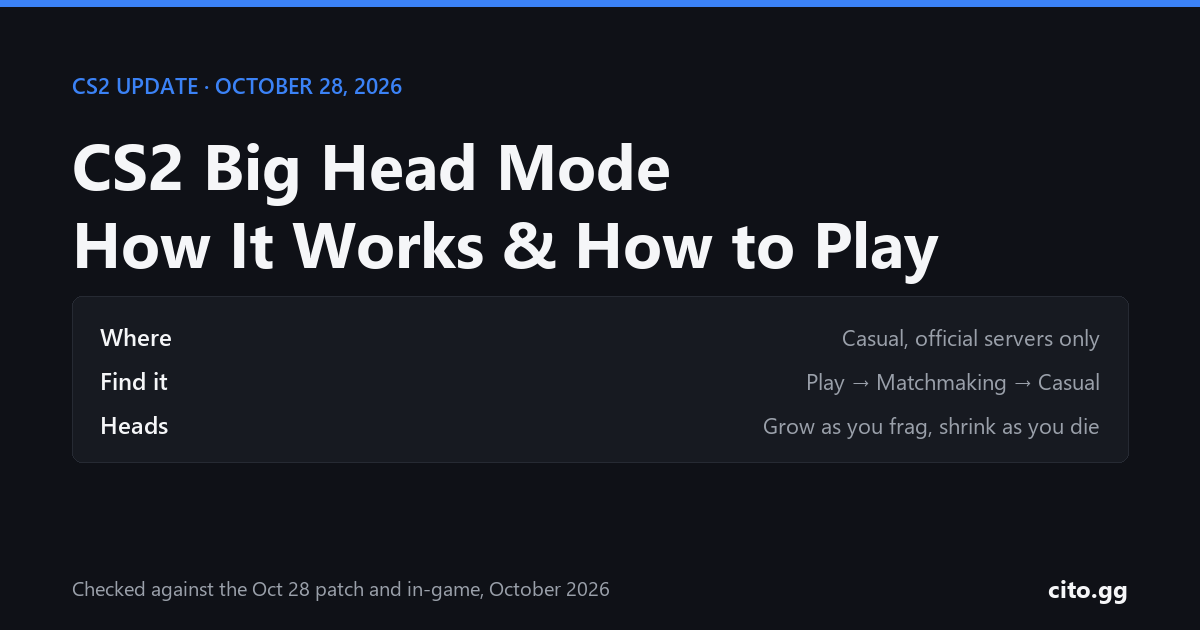
Big Head Mode is a Casual-only "mutator" Valve added to CS2 in the October 28, 2026 update — without listing it in the patch notes. Player heads scale with how the match is going for them: frag and your head grows, die and it shrinks. Competitive, Premier, Wingman and Deathmatch are untouched.
What Is Big Head Mode?
The comparison everyone reaches for is GoldenEye 007 and NBA Jam: the better you play, the bigger your head — which also makes you the biggest target on the server. It is the first of Valve's new Casual mutators, match-wide rule changes that run on official Casual servers. Workshop maps and community servers don't get it.
How to Play Big Head Mode
- 1.Open Play → Matchmaking → Casual.
- 2.Look for the map group carrying the Big Head Mode tag.
- 3.Queue as normal. In the match, the HUD shows "Big Head Mode" under the radar.
It first appeared on Defusal Group Alpha; players have since seen it rotate to other groups, including the Community Map Group, so the tag in the menu is the only reliable way to find it. No setting or console command is needed.
What Makes Your Head Bigger
Players consistently report that kills enlarge your head and deaths shrink it, so the top fraggers end up with the largest heads. Reports differ on whether the scale follows K/D, kills and deaths, or score, and Valve hasn't said. The update also ships a sound file named bighead_pitch, and players report voice chat and agent lines pitching deeper for big heads and squeakier for small ones.
What's Confirmed and What's Not
| Claim | Status |
|---|---|
| Big Head mutator in Casual | Confirmed in game |
| Not in Competitive / Premier | Confirmed |
| Kills grow the head, deaths shrink it | Reported by players |
| Hitbox scales with the head | Unknown |
| Voice pitch follows head size | Reported by players |
| End date | None announced |
The Rest of the October 28 Update
The official notes were short. Silent reload can now be set to Hold or Toggle (cl_weapon_stealth_reload_toggle): in Toggle you can release the key once a silent reload starts, and tapping reload again cancels it back to a fast reload. Valve also fixed liquids rendering black on AMD cards and demo-rewind sound bugs. Separately, dataminers found a scoped rifle model renamed from the M14 to the LAR in a do_not_ship folder — a leak, not a confirmed weapon.
Frequently Asked Questions
How do you play Big Head Mode in CS2?
Go to Play → Matchmaking → Casual and queue the map group tagged Big Head Mode. It runs only on Valve's official Casual servers; no setting or console command is needed.
Is Big Head Mode in CS2 Competitive or Premier?
No. It is a Casual-only mutator. Competitive, Premier, Wingman and Deathmatch are unchanged.
What makes your head bigger in CS2 Big Head Mode?
Players report that kills grow your head and deaths shrink it, so the top fraggers have the biggest heads. Valve hasn't published the exact formula.
When was Big Head Mode added to CS2?
In the October 28, 2026 update. It was not listed in the patch notes.
Is Big Head Mode permanent?
Valve hasn't announced an end date. It is the first of a new set of Casual mutators, so it may rotate.
Cito Editorial Team
@cito_ggCito.gg Research Desk
Settings, configs, and meta guides researched and verified by the Cito.gg editorial desk.
Related Analysis & Guides
Expand your competitive edge with related deep dives
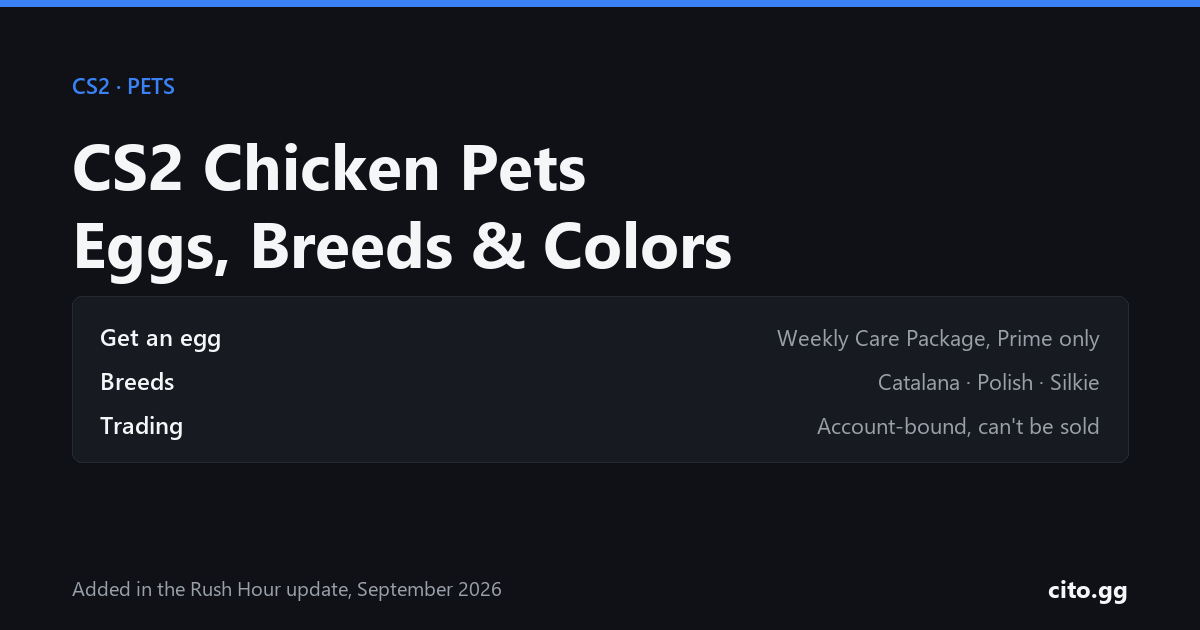
CS2 Chicken Pets: How to Get an Egg, Every Breed & Color, and Rarity
CS2 chicken pets: eggs come from the weekly Care Package (Prime), take about a week to hatch, and grow into Catalana, Polish or Silkie chickens. Every color, how rarity works, and what's unconfirmed.
Cito Editorial Team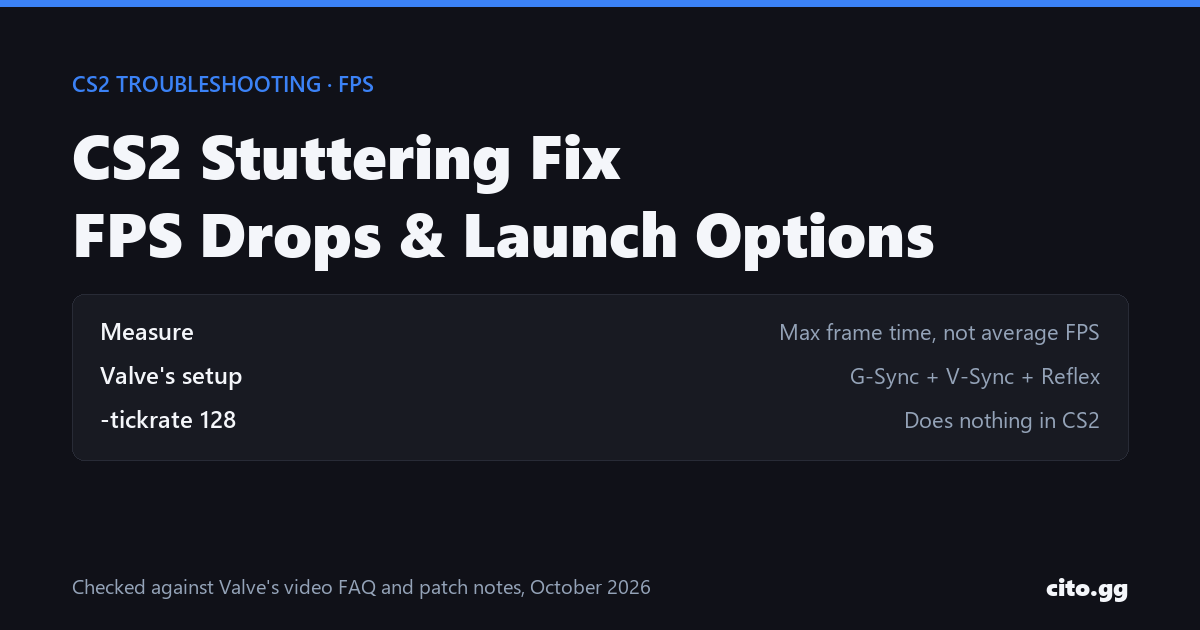
CS2 Launch Options (2026): What Each One Actually Does, From Valve's List
CS2 launch options from Valve's Source 2 docs: -console, -vulkan, -noreflex, -h/-w, -fullscreen and more, with which are unconfirmed and why -tickrate 128 does nothing in CS2.
Cito Editorial Team
How to Fix Net Jitter in CS2: Free Jitter Test + 5-Minute Fix
Test your jitter and bufferbloat in 20 seconds right on the page, then fix CS2 net jitter: the Telemetry graph (cq_netgraph was removed), Buffering for spikes, Wi-Fi and SQM.
Cito Editorial Team